Daily Planner & To-Do List
Your Timeline, Synced across Web & Mobile.
Use Agenda View to timeblock tasks, drag and drop your schedule, add calendar events and reminders, then keep everything synced across your phone, tablet, and computer.
Free to start. Sync across devices. Premium features optional.


What makes Taskito different?
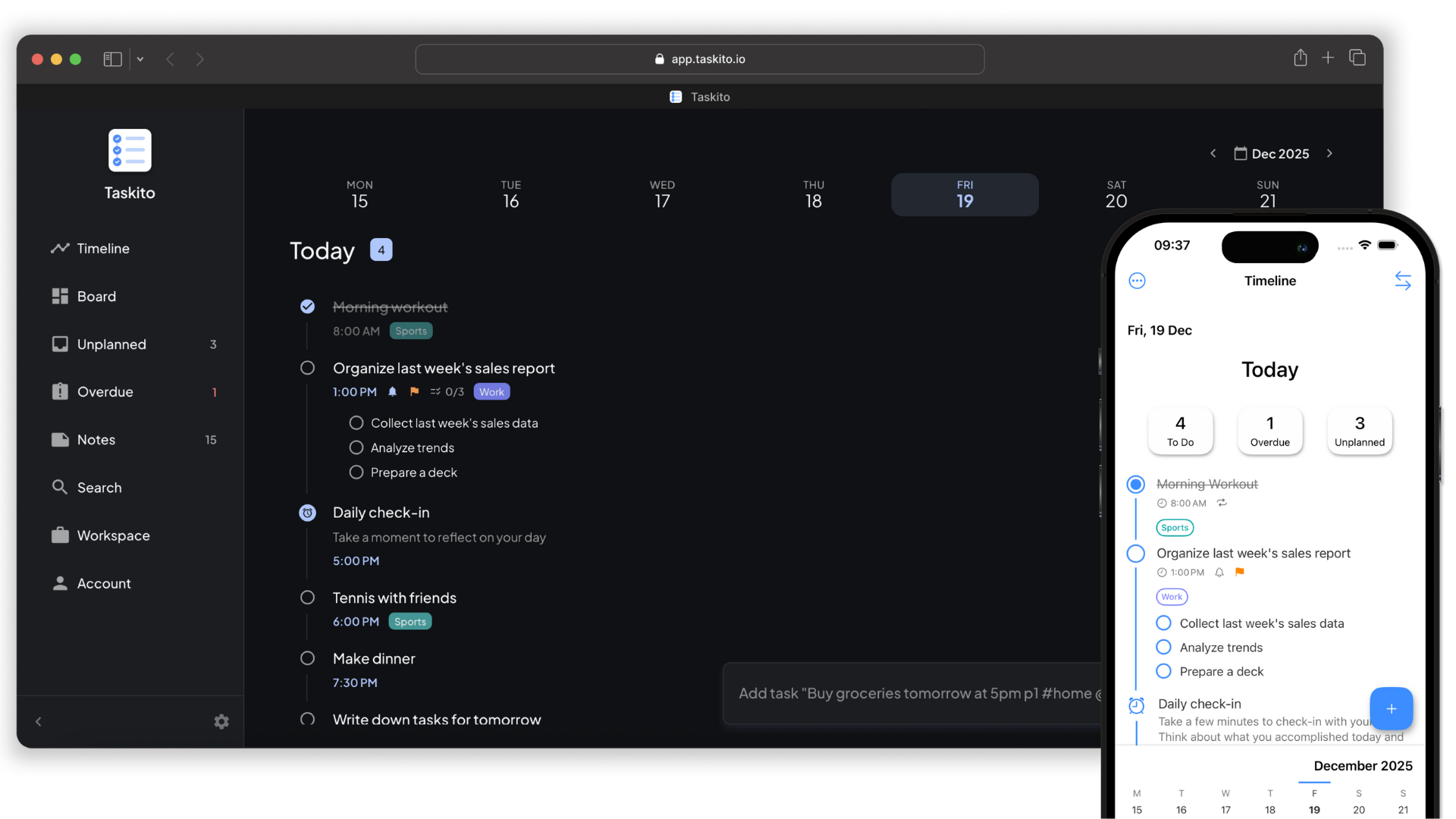
Most to-do apps show a list. Taskito shows your day as a timeline and Agenda View, so you can see what is due, what is scheduled, and where each task fits. Drag tasks into time blocks, move them when plans change, and keep routines, calendar events, reminders, and daily tasks in one place.
Add tasks with Smart Parsing
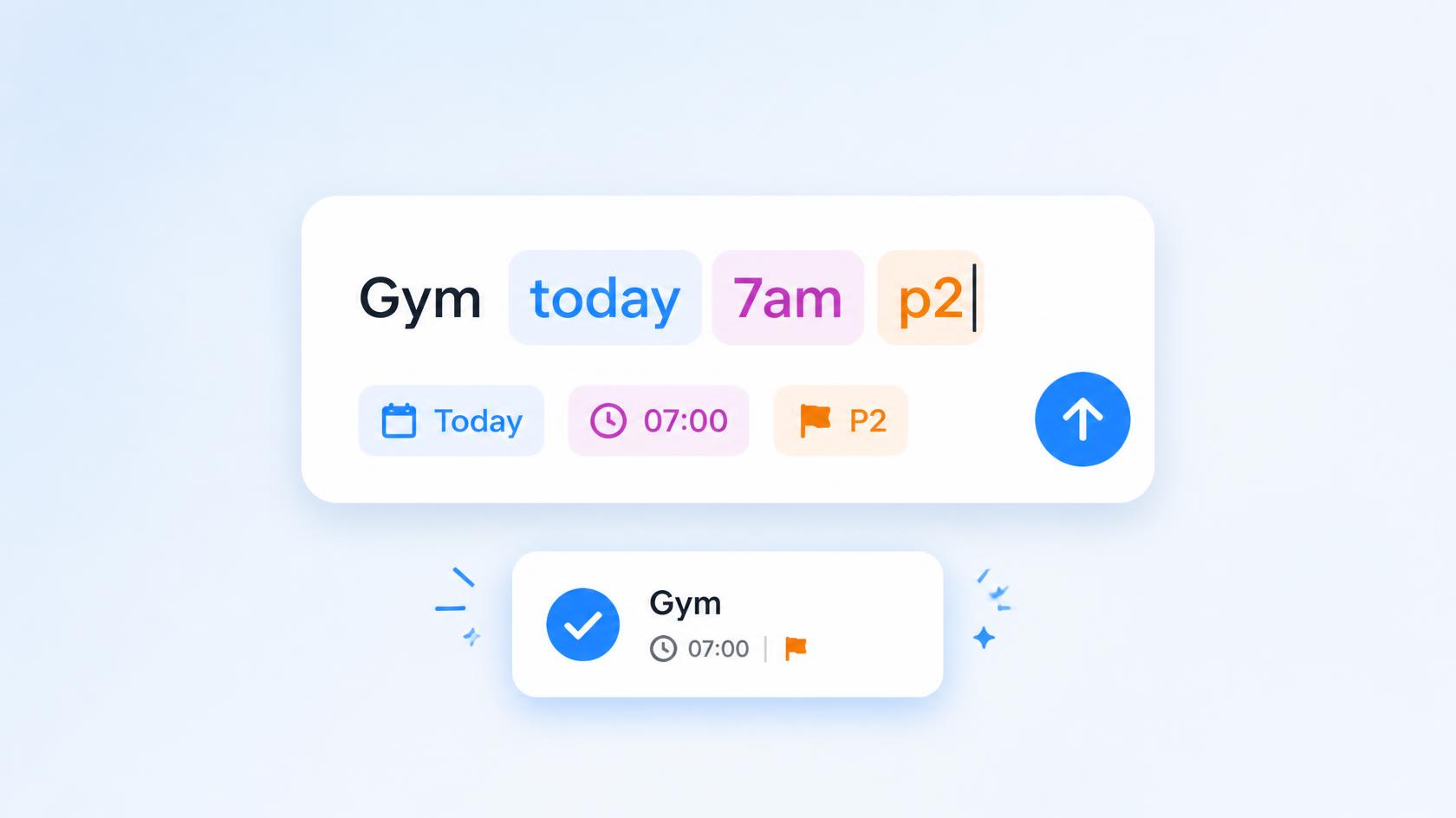
Type naturally and Taskito reads the date, time, priority, and tags from one line.
Drag them into Agenda View
Timeblock your day by placing tasks on your timeline.
Get reminders and reschedule when plans change
Snooze, move, and adjust blocks without rebuilding your plan.
Timeblock your day with drag-and-drop planning
Agenda View turns your tasks into a real plan for the day. Drag tasks into open time slots, move blocks as priorities change, and see your schedule beside calendar events so your to-do list matches your actual time.
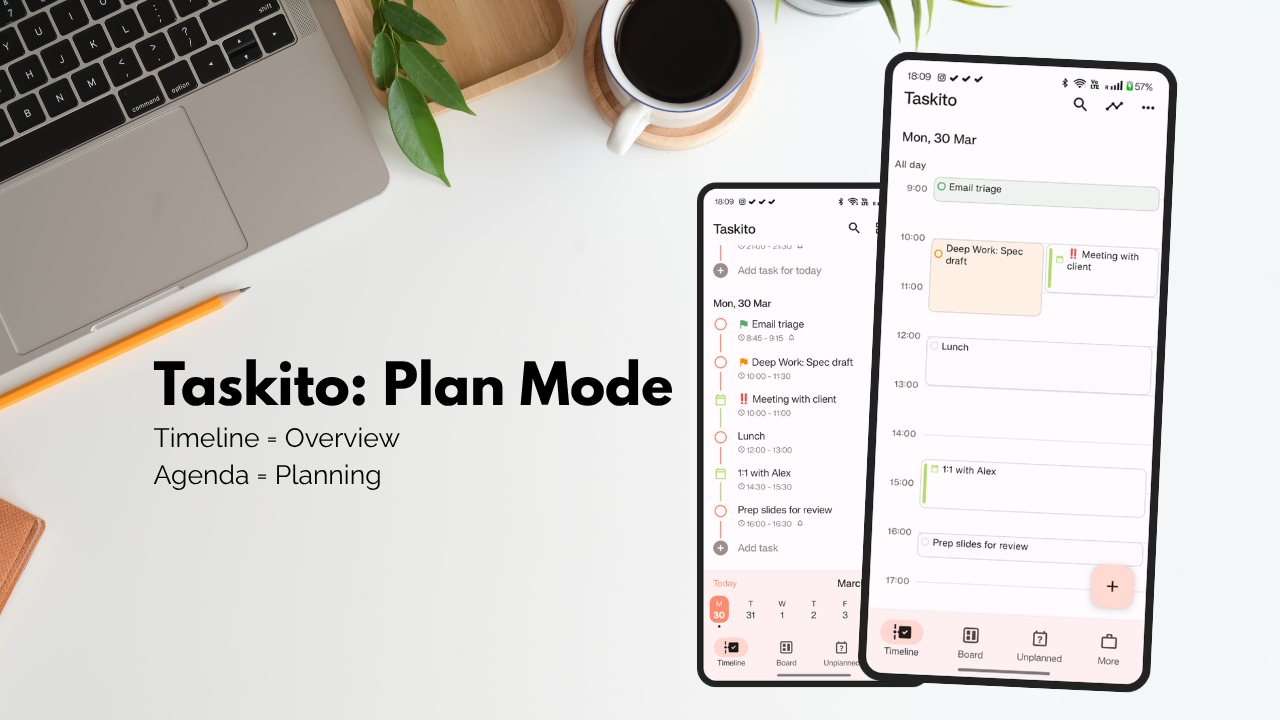
Drag tasks into your day, then move them when plans change.
Drag and drop tasks
Move tasks into the right time slot instead of rewriting your plan.
Plan around events
See calendar events and tasks together before committing your day.
Adjust without friction
Reschedule tasks quickly when meetings run long or priorities change.
Sync the plan everywhere
Review your timeblocked day on mobile and web.
Plan your day around a timeline, not a scattered checklist
Powerful features designed for timeline-first daily planning on mobile and web
Checklists inside bigger tasks
Break goals into smaller steps without losing the big picture.
Projects for longer plans
Group related tasks, ideas, and routines into projects.
See timeline planning in action
Watch how Taskito turns tasks, routines, and calendar events into a clear daily plan
Built for daily planning on mobile
From timeblocking to widgets, every view is designed to help you plan and follow through
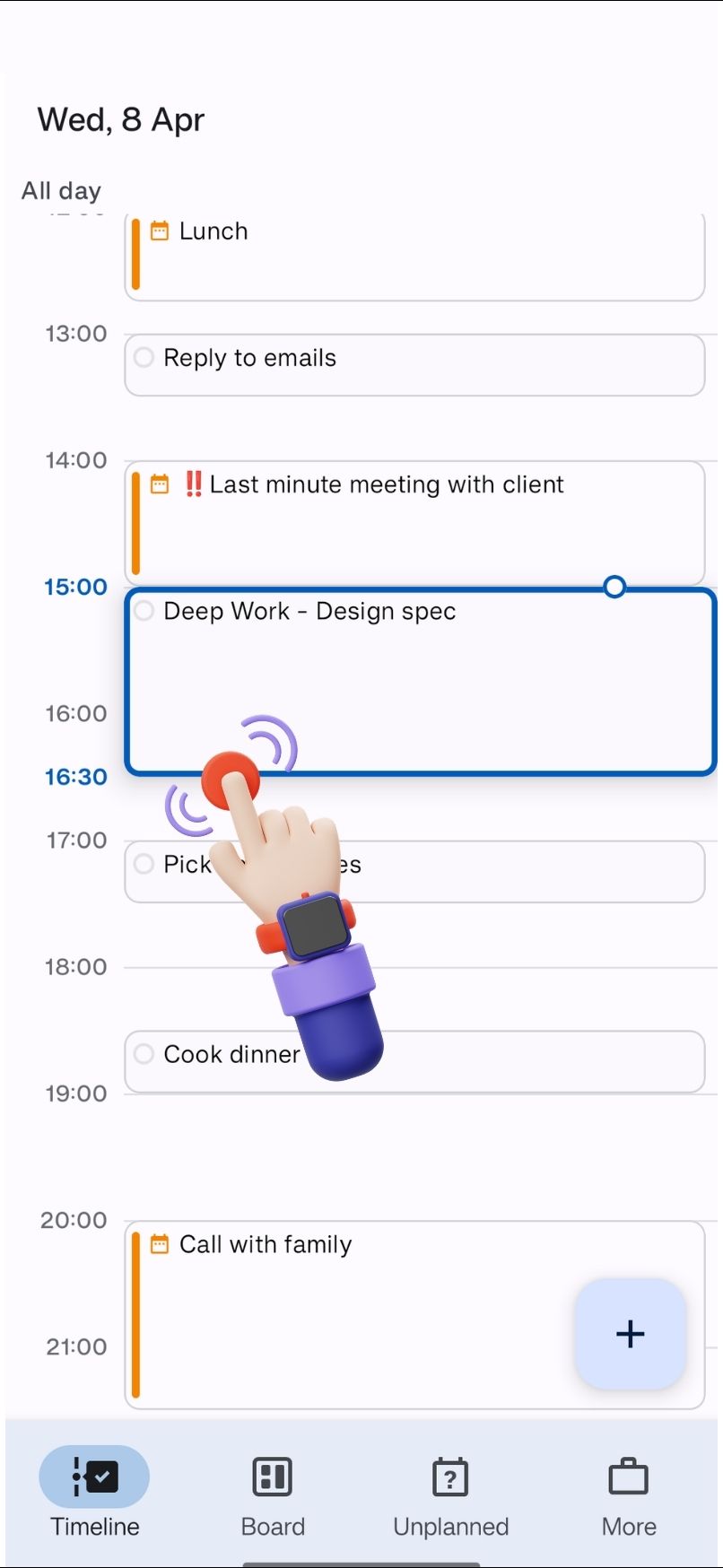
Agenda View
Timeblock your day by dragging tasks into your schedule.
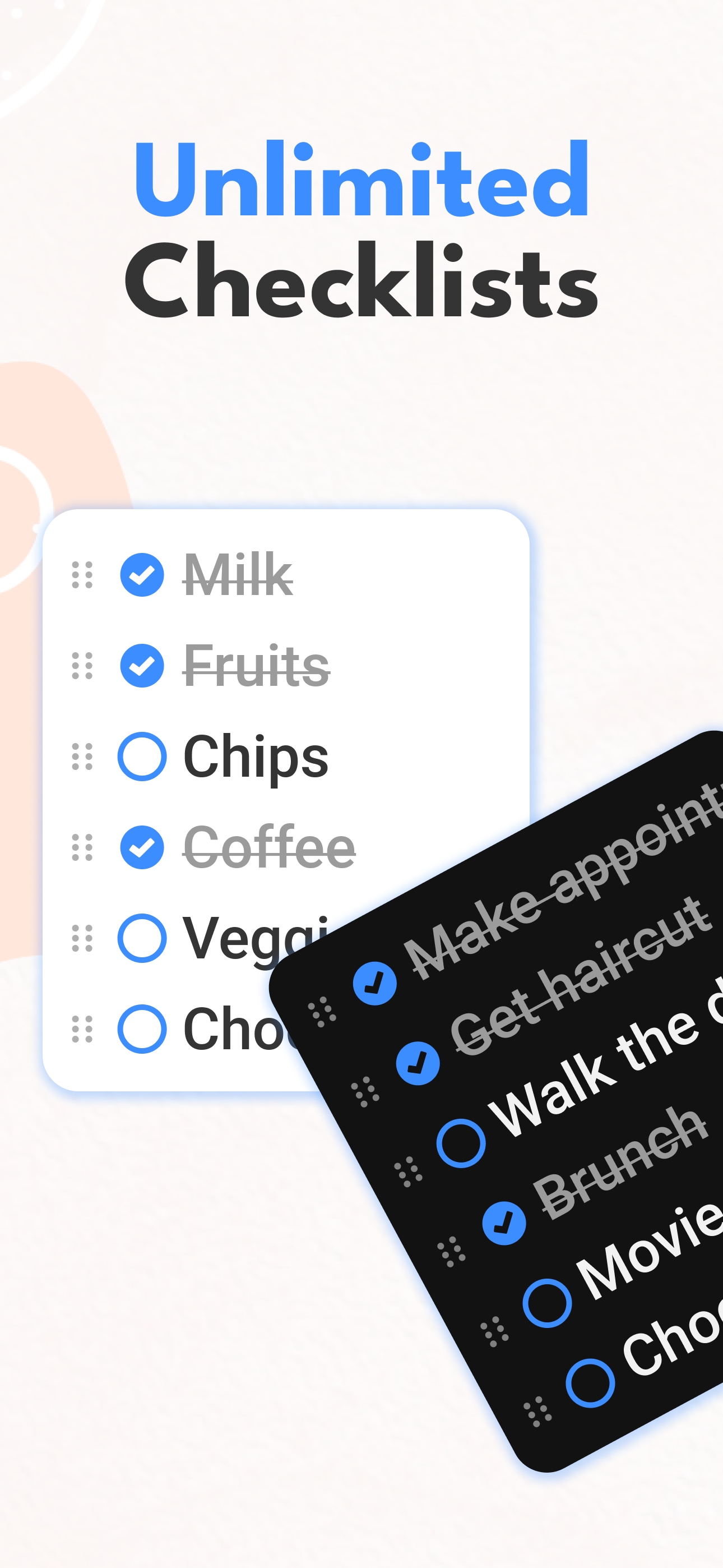
Checklists
Turn big tasks into step-by-step checklists.
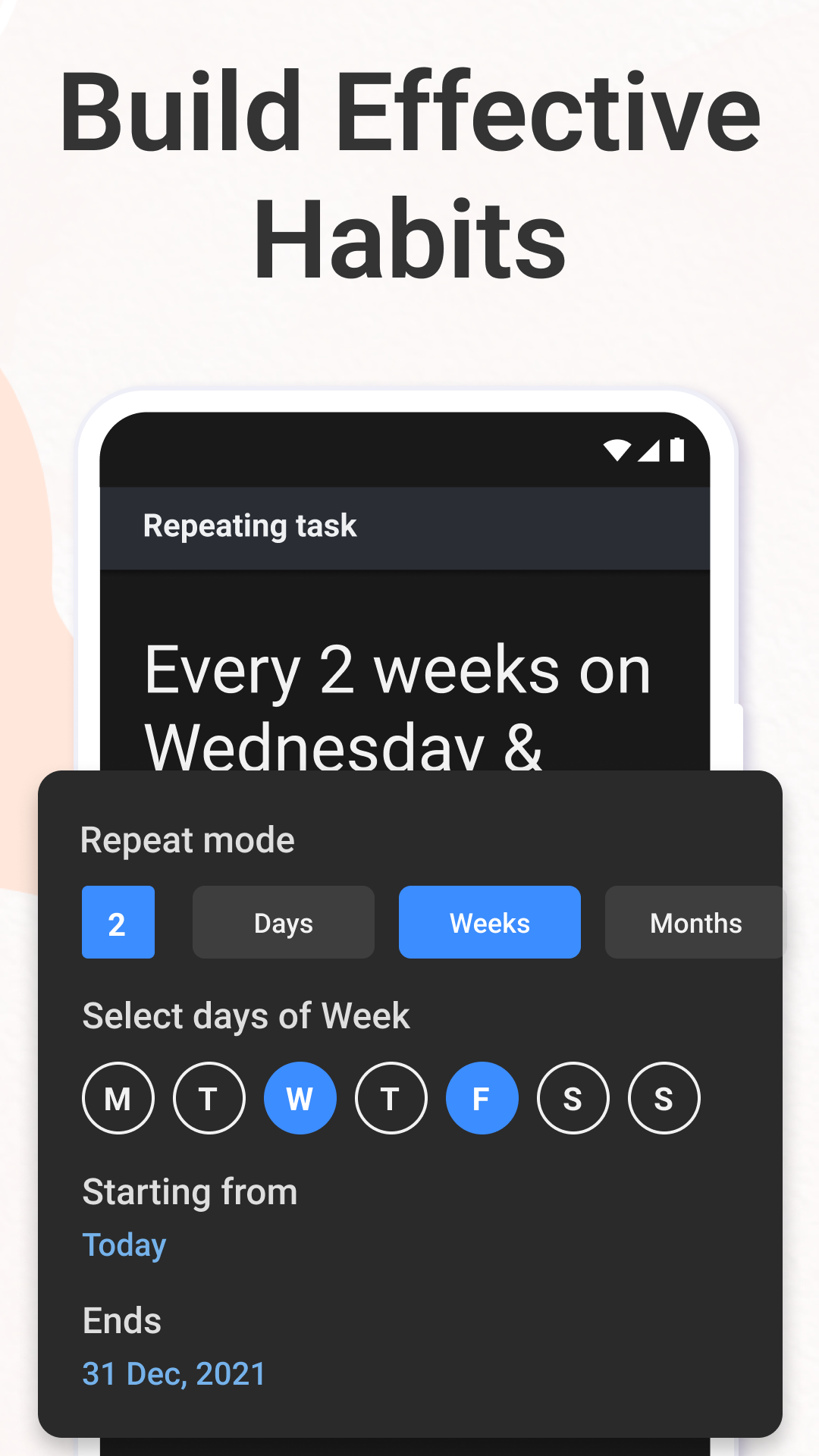
Recurring Tasks
Build routines once and let Taskito repeat them automatically.
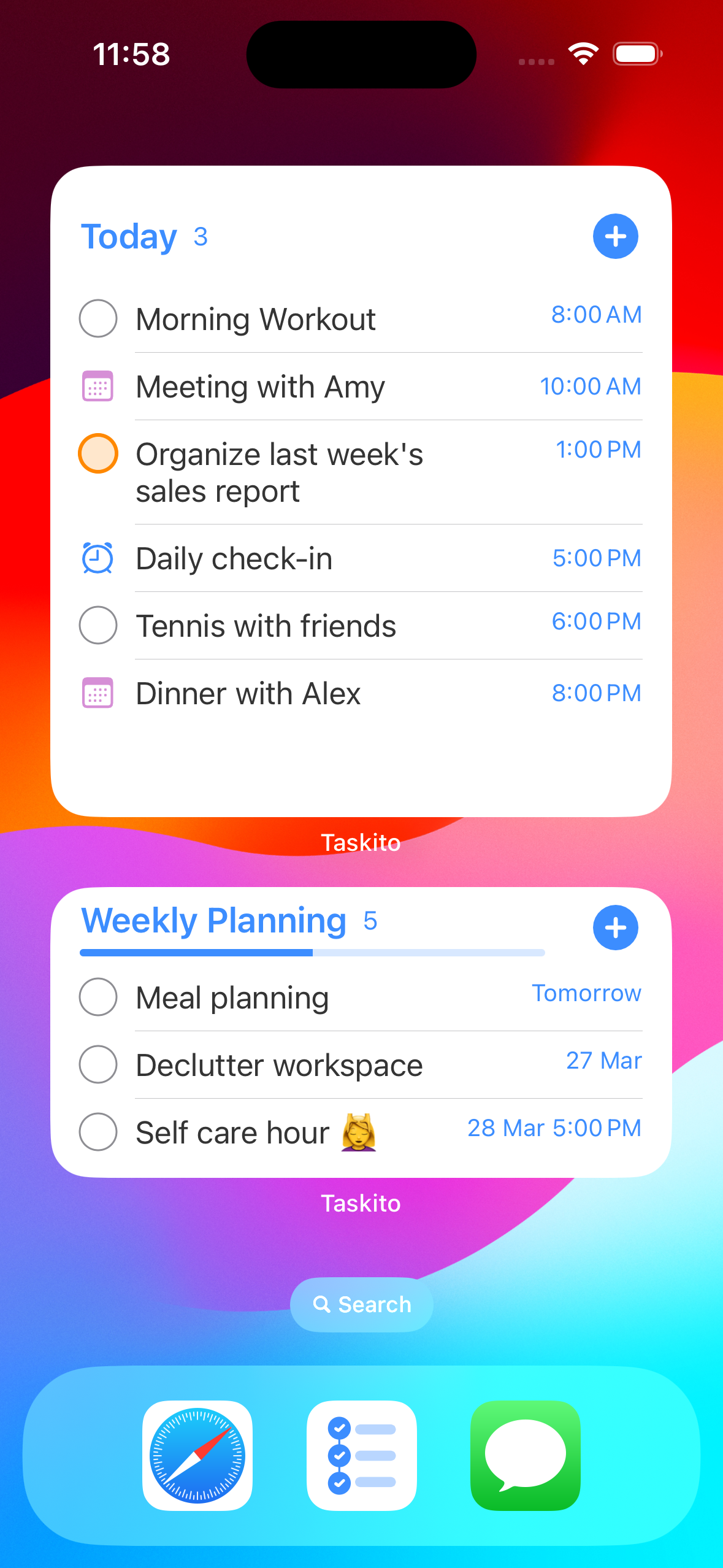
Widgets
See today's timeline from your phone home screen.
Trusted by 1M+ users
See why people choose Taskito for timeline-based daily planning
“I've tried every major task planner app. Taskito is the only one that pushed me to follow through on important personal tasks. This app was a life changer.”
“I bought the yearly subscription. I love the UI, Google Calendar import, Projects, and reminder notifications. This app meets my standards and I use it daily.”
“Taskito on my iPad changed how I manage checklists. I used to forget smaller steps — that problem disappeared with Taskito.”
Free to start. Premium when your planning grows.
Use Taskito Free for core timeline planning and sync across 2 active devices. Premium raises sync to 5 active devices and removes limits around projects, routines, reminders, calendar import, themes, and web access.
Available in your language
Taskito is localized to help users worldwide manage their tasks in their native language
16 languages • 3 platforms
English
Deutsch
Português
Português do Brasil
Español
Français
Italiano
русский
Українська
Bahasa Indonesia
Tiếng Việt Nam
日本語
조선말, 한국어
简化字
עברית
عربي
Frequently Asked Questions
Everything you need to know about Taskito timeline planner and timeblocking app
What is a timeline planner app?
A timeline planner app shows your tasks and events on a visual day timeline instead of a flat checklist. Taskito lets you see what is due, what is scheduled, and where each task fits across your day.
Can I timeblock my day in Taskito?
Yes. Use Agenda View to drag tasks into time slots on your timeline, adjust blocks when plans change, and plan your day around calendar events and reminders.
How does Agenda View work?
Agenda View is a clock-time layout of your Taskito timeline. Drag tasks into open slots, move or resize blocks, and see tasks beside calendar events so your to-do list matches your actual schedule.
Is Taskito available on Android and iPhone?
Yes. Taskito is available on Android, iPhone, iPad, and Web. Download the mobile app or open Taskito Web to plan on any device.
Can Taskito sync tasks between mobile and web?
Absolutely. Taskito automatically syncs your tasks, projects, reminders, and settings across your devices. The free plan supports up to 2 active devices, while Premium supports up to 5 active devices.
Can I use Taskito with Google Calendar or Apple Calendar?
Yes. Taskito imports events from Google Calendar, Apple Calendar, and other popular calendar apps so you can see meetings and tasks together in one unified timeline.
Is Taskito free?
Yes. Taskito offers a free version with core task management features and sync for up to 2 active devices. Premium plans add sync for up to 5 active devices, unlimited projects, repeating tasks, repeating reminders, calendar import, premium themes, and Taskito Web.
See Free vs Premium limitsDoes Taskito work offline?
Yes. Taskito works offline on mobile and syncs your changes when you are back online so you can keep planning without an internet connection.
How is Taskito different from a normal to-do list app?
Most to-do apps show a list. Taskito shows your day as a timeline with Agenda View for timeblocking, calendar integration, recurring routines, checklists, reminders, and widgets — all synced across mobile and web.
Latest from our Blog
Discover productivity tips, task management strategies, and insights from the Taskito team
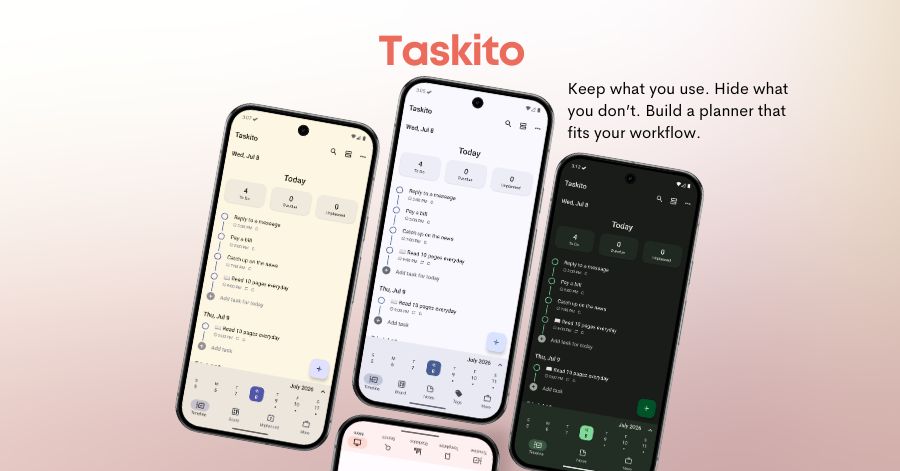
Ready to plan your day on a timeline?
Join 1M+ users who plan tasks, routines, and calendar events with Taskito's timeline and Agenda View.