Introducing Taskito for Desktop!
The Wait is Over! Introducing Taskito for Desktop: Your Massive Productivity Boost Has Arrived!
For years, you've relied on Taskito to organize your life, capture brilliant ideas, and manage complex projects—all from the convenience of your phone. But when you sit down at your laptop, you need power, visibility, and speed.
We heard you! And today, we are absolutely thrilled to announce the launch of Taskito for Desktop!
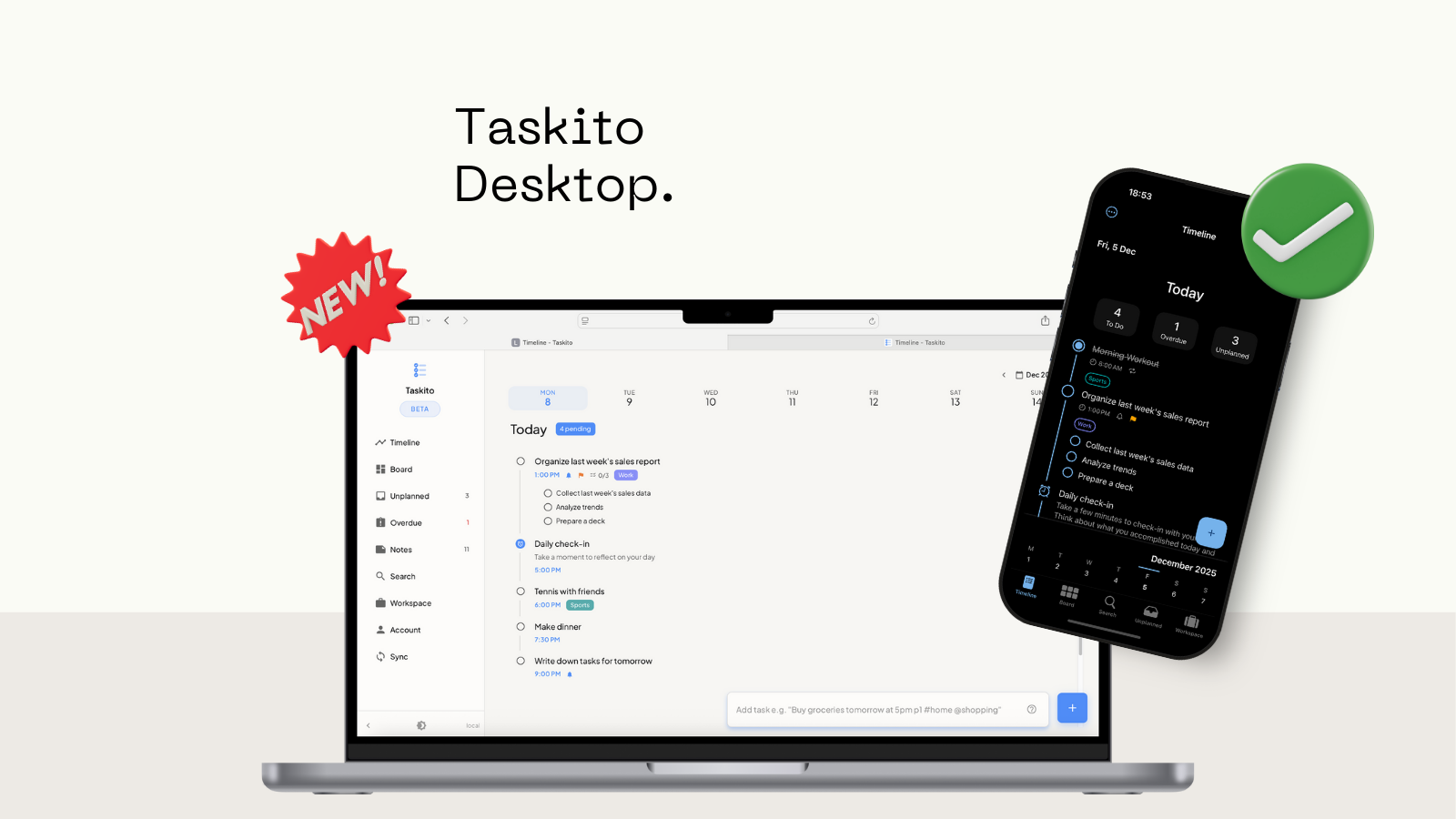
Taskito for Desktop
You can now access Taskito directly from your computer or laptop, bringing your favorite task manager to the large screen and unlocking a truly transformative way to work. Get ready for a massive boost in efficiency and organization!
Your Command Center is Here
Taskito for Desktop is built to provide a seamless, powerful experience that integrates effortlessly with your existing Taskito workflow. It is designed to turn your computer screen into a complete task management command center.
Here's what makes this launch a game-changer:
-
⚡️ Manage Tasks and Projects on Your Computer: Finally, the space you need! Easily organize large projects, view detailed schedules, and plan your week with the speed and screen real estate only a desktop can provide.
-
🌐 Instant, Seamless Data Sync: Say goodbye to manually refreshing. Taskito for Desktop features instant data sync. Any change you make on your phone, tablet, or computer appears everywhere else instantly, ensuring your data is always up-to-the-second accurate.
-
🚀 Quick Add in Every View: Say goodbye to being overwhelmed by a full screen of options! Our new Quick Add feature lets you simply type a task title and hit Enter directly in your current view. It leverages NLP to intelligently set date, time, project, and tags from your natural language input. It's built for desktop speed, allowing you to capture thoughts instantly and stay in your flow state.
-
✅ Almost All the Features You Love: You'll feel right at home! Taskito for Desktop launches with almost all the core features of the mobile app, providing the familiar functionality you trust.
Access is Automatic: Welcome, Premium Users!
We want every committed Taskito user to experience this huge leap in productivity.
If you already have an existing mobile Premium subscription, you are all set! Taskito for Desktop is automatically included with your subscription, providing you with a tremendous upgrade to your workflow at no additional cost.
Building the Foundation for Peak Productivity
This launch is just the beginning. Taskito for Desktop establishes the critical foundation we need to deliver even more advanced features in the future. Get ready for what's coming next:
-
Keyboard Shortcuts: Navigate your tasks at lightning speed.
-
Drag and Drop between Projects: Effortlessly reorganize and restructure your workload.
-
Advanced Calendar Integration: Connect Taskito with multiple external calendar sources for a unified view of your entire schedule.
We believe in transparency: Dedicated Calendar integration and Reminder notifications in the browser will follow in upcoming updates as we finalize those specific experiences to meet our high quality standards.
Try Taskito for Desktop Now
Ready to supercharge your productivity? Taskito for Desktop is live and waiting for you.
Do you find Taskito helpful?
Support us by leaving a 5 ⭐ review on our app stores

Follow us on social media to get updates & tips about planning and productivity.
Related Articles
Time blocking in Taskito: Agenda View on your timeline
Time block on your Taskito timeline: drag to reschedule, see overlap, sync web and mobile. Open the app or Taskito Web to try it.
Mastering Quick Add: The Fastest Way to Create Tasks in Taskito Web
Learn how to use Taskito Web's Quick Add feature with smart text parsing to create fully detailed tasks in seconds using natural language. Master keyboard shortcuts and boost your productivity with this comprehensive guide.
Launching Taskito on iOS
Organize your day-to-day tasks, projects, and notes on your iPhone and iPad! Taskito is now available on iOS 🎉